Forms in OrionX
Role: itil
Available for Teams: All
Forms
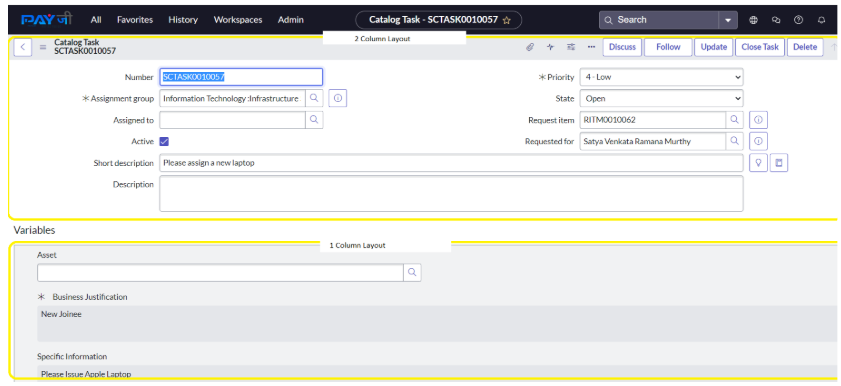
A form is a content page displaying fields and values for a single record from a database table. Forms have a 1-column layout, a 2-column layout, or a mix of both. Forms are opened from modules in the Application Navigator or by clicking a record’s number in a list.
Sections
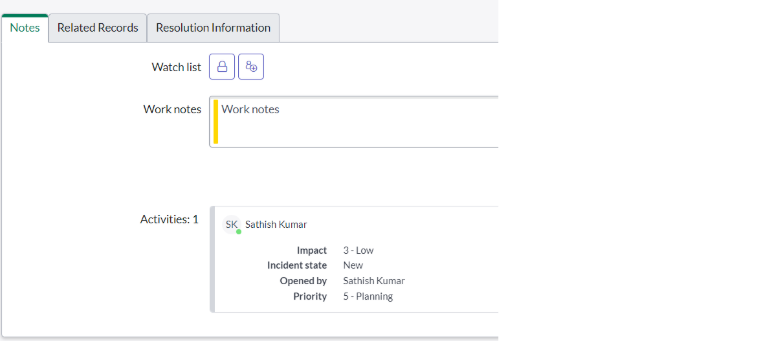
Forms may contain Sections. Sections are logical groupings of fields. In the baseline case, sections are rendered as tabs at the bottom of a form.
The use of sections prevents users from having to scroll through long forms.
Views
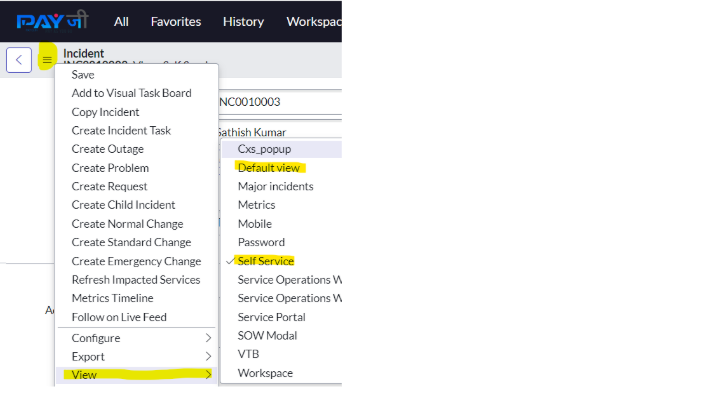
Forms can have multiple views.
A View is an alternate layout for presentation of a record’s data.
Different user profiles use different views to see data from the same record.
OrionX has a special view called the Self-Service view.
Self-Service users do not require a OrionX license to see a record's form.
The view name appears on a form’s header. If there is no view name in the form header, the view is the Default view.